

Editorial Guide 2026Published October 15, 2026• 8 min read

Best Subscription Tracker Apps in 2026: Stop Subscription Creep Without Giving Away Your Bank Login

Why subscription creep quietly costs the average household over $2,600 every year, how to audit recurring fees, and how to choose between cloud scrapers and local-first trackers.

JS

By Jigar Shah • Founder of SubScale

Software engineer and local-first architecture advocate

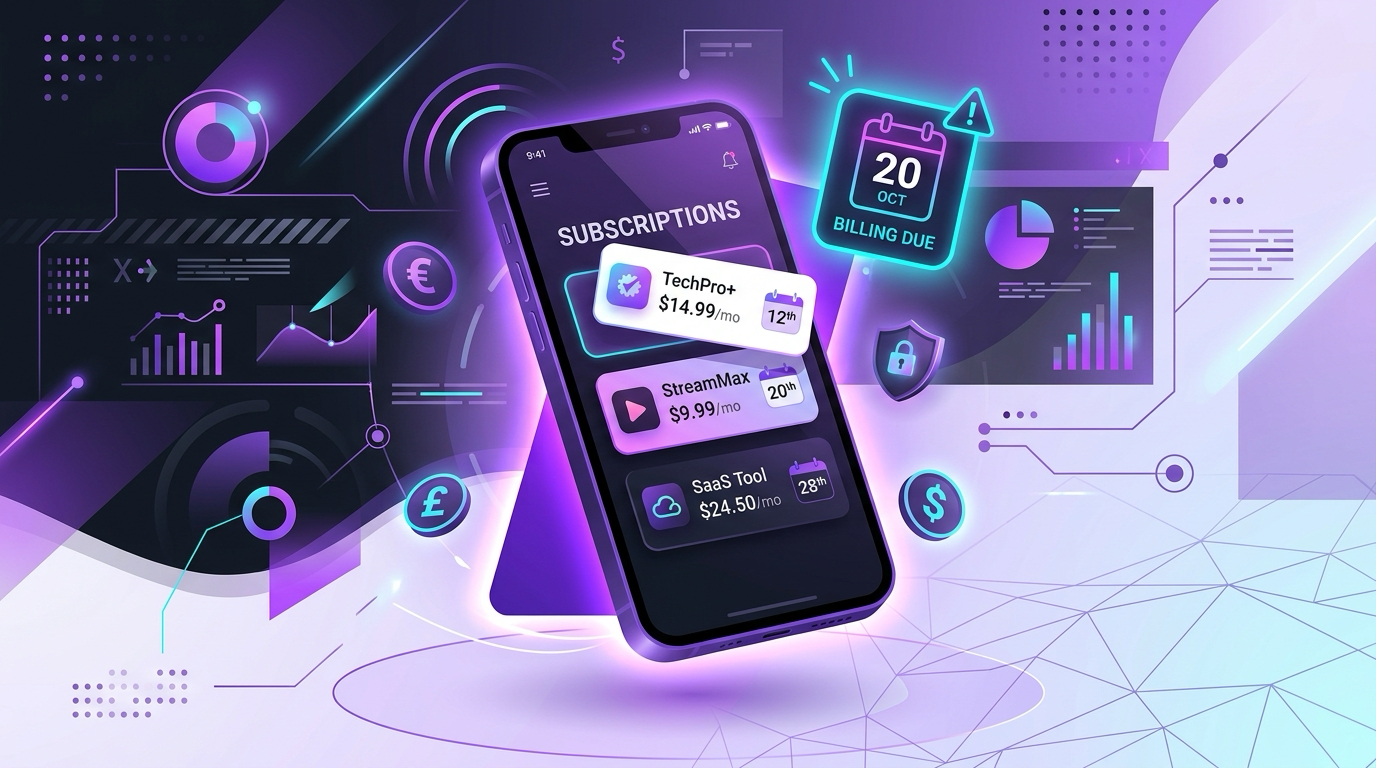
Best Subscription Tracker Apps in 2026 comparison and audit guide

The 2.5x Subscription Perception Gap

Ask almost anyone how much they spend on recurring digital subscriptions every month, and the quick answer is usually around $86. But when researchers audit the actual bank and card statements of those same consumers, the real number climbs past $219 every month: more than $2,600 per year.

This 2.5x perception gap is not an accident. The subscription economy is engineered to create invisible friction loss through three distinct mechanisms:

Zombie Free Trials

Sign-ups requiring card details that quietly convert to paid tiers after 7 or 14 days without advance reminder emails.

Silent Annual Renewals

Yearly memberships that hit your card once every 12 months, completely forgotten until an unexpected $120 charge arrives.

Quiet 10% to 15% Hikes

Incremental price bumps on streaming, cloud storage, and utility services that slip past normal monthly budget checks.

The Fundamental Fork in the Road for 2026

To solve this, consumers in 2026 face an architectural choice: Do you hand over your primary bank credentials to a cloud aggregator (like Plaid, Yodlee, or MX) to automate transaction scraping? Or do you maintain complete data sovereignty with an offline, local-first tracker that stores your records strictly on your phone?

Quick Comparison: Top Subscription Trackers in 2026

View Full 15-App Hub

Here is how the leading tools compare across pricing, bank linking obligations, storage architecture, and ad policies:

AppPricing ModelBank Login?Storage ModelPlatformsEveryday Expenses?Ad-Free (Free Tier)?
SubScale (Top Pick)Free (10 entries) / $12.99/yrNone (0% risk)Local On-DeviceiOS & AndroidYes (Combined)Yes (100% Ad-Free)
Rocket Money$6 to $12 / monthMandatory (Plaid/MX)Cloud ServersiOS, Android, WebYes (Auto-Scraped)Limited free features
BobbyFree / ~$2.99 unlockNone (Manual)Cloud (iCloud Sync)iOS onlyNo (Subs only)Yes
Copilot Money$95/year or $13/monthMandatory (Plaid)Cloud ServersApple only (iOS/Mac)Yes (Full Budgeting)No free tier
PocketGuardFree / $12.99/mo or $74.99/yrMandatory (Finicity)Cloud ServersiOS, Android, WebYes (Safe-to-Spend)Heavy upsells
YNAB$14.99/mo or $109/yrOptional (Sync or Manual)Cloud ServersiOS, Android, WebYes (Zero-based)No free tier (34-day trial)

In-Depth Reviews: The Best Subscription Trackers in 2026

1. SubScale: Best for Privacy-First Tracking & Dual Expense Management

Editor’s Choice

SubScale was created for users who want complete visibility over recurring costs without giving any third party their bank credentials. Everything is built on a local-first architecture: no email registration, no cloud databases, and zero tracking pixels.

Key Features & Strengths:

  • Combined Tracking: Manage subscriptions alongside recurring everyday expenses (groceries, rent, transit).
  • Multi-Currency Support: Converts international charges into your base currency automatically.
  • Export Options: Clean PDF and Excel exports ready for tax reporting or partner audits.
  • Trial Notifications: Advance alerts so you cancel trials before being billed.

Pricing & Tradeoffs:

  • Free Tier: Up to 10 active entries with zero ads and all core reminder features.
  • Pro Upgrade: $12.99/year (US) or ₹999/year (India). You can use code SUBSCALE26 for a 3-month free trial.
  • The Tradeoff: Initial setup requires manual entry. However, because you only set up a recurring bill once, setup takes under five minutes.

2. Rocket Money: Best for Automated Bank Detection & Bill Negotiation

Rocket Money (formerly Truebill) is the benchmark in automated subscription discovery. By connecting your bank accounts via Plaid, it scans past transactions to flag recurring debits.

Where it shines: The convenience of hands-off discovery is unmatched. Their concierge bill negotiation service can also call telecom and internet providers to lower monthly rates.

The Tradeoffs: You trade your privacy for automation. Your financial records are uploaded and stored on cloud servers. In addition, bill negotiation incurs a hefty success fee (taking 35% to 60% of first-year savings upfront), and the premium app requires an ongoing $6 to $12 monthly fee.

Read detailed SubScale vs Rocket Money comparison

3. Bobby: Best Minimalist Option for iOS

Bobby has long been a staple for iPhone owners who want an attractive, color-coded list of recurring bills without linking a bank account.

Where it shines: Clean typography, card-style interface, and a simple one-time in-app purchase to remove entry limits.

The Tradeoffs: Bobby remains heavily iOS-centric with no parity for Android users or mixed-platform households. It does not track general everyday expenses (like variable utilities or groceries) and lacks multi-format PDF and Excel reporting.

Read detailed SubScale vs Bobby comparison

4. Copilot Money: Best for Comprehensive Apple-Ecosystem Budgeting

Copilot is an iOS and Mac-first personal finance app that combines subscription detection with broader budgeting and investment tracking.

Where it shines: Award-winning Apple design, smart machine learning transaction categorization, and deep net-worth context.

The Tradeoffs: At $95 per year or $13 per month, it is an expensive commitment. It has zero Android support and relies on continuous third-party cloud bank access.

Read detailed SubScale vs Copilot Money comparison

5. PocketGuard: Best for Bill Timing & Safe-to-Spend Visibility

PocketGuard focuses on cash-flow timing: taking your recurring bills, upcoming subscriptions, and savings goals into account to display your true disposable budget.

Where it shines: The "In My Pocket" daily number helps prevent overspending before major bills are debited.

The Tradeoffs: Requires full bank credentials via Finicity. Transaction categorization can misclassify irregular recurring bills, and the free tier features heavy subscription upsell prompts.

Read detailed SubScale vs PocketGuard comparison

The 4-Step Framework to Audit Your Subscriptions

Before downloading any app, run through this practical 4-step framework. It takes approximately 15 minutes and often uncovers $500 or more in annualized savings immediately:

1

Conduct a 90-Day Statement Sweep

Download the last three PDF statements for each credit card and checking account you use. Scan specifically for recurring charges under $15. Most consumers overlook small charges like cloud storage expansions, forgotten dating apps, or news paywalls.

2

Separate Utility Bills from Entertainment

Classify your recurring charges into fixed commitments (electricity, Wi-Fi, rent, health insurance) versus discretionary entertainment (video streaming, gym add-ons, gaming passes). Knowing your non-negotiable floor gives you a clear picture of true fixed overhead.

3

Rotate, Don’t Stockpile

Never maintain four streaming services simultaneously. Keep one active, watch the specific shows you want, and cancel before rotating to the next. SubScale makes this effortless by allowing you to pause services without deleting historical cost records.

4

Set Reminders 3 Days Before Renewal

Many subscription providers process automatic renewal billing 24 to 48 hours before the nominal billing date. Configure your reminders for 3 days in advance so you have adequate time to cancel before payment gateways execute.

Decision Guide: Which App Should You Download?

Here is our recommendation based on your hardware, privacy threshold, and budget priorities:

  • Choose SubScale if: You want zero bank linking, complete on-device privacy, flexibility between iOS and Android, and a single ad-free app to track subscriptions and day-to-day spending together.
  • Choose Rocket Money if: You prioritize hands-off automated bank scanning and are fully comfortable sharing your banking credentials with cloud aggregators.
  • Choose Bobby if: You exclusively use an iPhone and only need a basic, single-purpose reminder list without daily expense logging or report exports.

Frequently Asked Questions

Direct answers to common questions about subscription tracking, privacy tradeoffs, and cost management in 2026.

What is the best free subscription tracker app without ads?

SubScale is widely regarded as the best free subscription tracker app without advertisements. Its free tier allows you to track up to 10 active subscriptions and recurring expenses with zero banner ads, full renewal alerts, and complete on-device privacy on both iOS and Android.

Can I track recurring subscriptions without connecting my bank account?

Yes. Manual and local-first trackers like SubScale and Bobby allow you to log subscriptions directly on your phone without connecting your bank account or sharing credentials with aggregators like Plaid or MX. This eliminates cloud security risks, persistent OAuth sessions, and unwanted financial telemetry.

Why do financial experts recommend local-first finance apps?

Local-first finance apps store your transaction records and account balances strictly inside your smartphone storage rather than on remote cloud servers. This architecture prevents data broker leaks, eliminates third-party transaction monetization, and ensures your financial habits remain completely private.

How much money does the average person save by using a subscription tracker?

Industry audits show that consumers consistently underestimate their recurring subscriptions by 2.5x (estimating $86 per month versus actual spending of $219 per month). By identifying forgotten recurring services, zombie free trials, and silent price hikes, users typically recover between $35 and $80 every month within their first audit.

100% Private & Offline-First

Ready to Stop Subscription Creep on Your Terms?

Download SubScale free today on iPhone or Android. Track up to 10 entries free, monitor free trials, and keep your financial data on your device.